ANT PC | 09-03-2026 13:31:18

Building a gaming PC in 2026 is no longer just about achieving high FPS today — it’s about creating a system that remains powerful, upgrade-ready, and relevant for the next 4–6 years. With rapid advancements in GPUs, CPUs, AI-assisted gaming features, and higher-resolution displays becoming mainstream, a future-proof gaming PC requires smart planning.
This guide is designed for both beginner and professional gamers who want to build a custom system that delivers long-term performance without frequent overhauls.
A future-proof gaming PC doesn't mean buying the most expensive components available. Instead, it means:
Choosing a platform that supports next-generation upgrades
Investing in components with headroom for upcoming titles
Ensuring compatibility with evolving technologies (PCIe Gen5, DDR5, AI-enhanced rendering)
Maintaining strong cooling and power stability
The goal is balance — not overspending, but not underbuilding either.
The processor is the foundation of your system. In 2026, most modern builds are based on DDR5 memory and support PCIe Gen4 or Gen5.
When selecting a CPU:
Aim for at least 8 cores / 16 threads for gaming and multitasking
Consider higher core counts if you stream, edit videos, or use creative software
Prioritize newer-generation architectures for better efficiency
Both AMD and Intel offer strong options, and pairing your CPU with a compatible, upgrade-ready motherboard ensures you won’t need to replace the entire platform in two years.
Tip for beginners: Don’t overspend on the highest-tier CPU if your GPU budget is limited. Gaming performance depends heavily on GPU power.
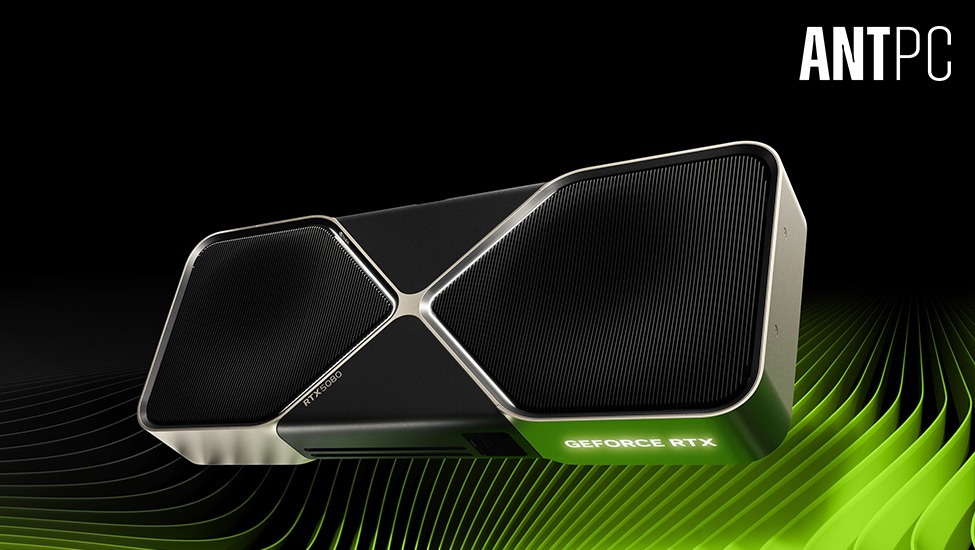
The graphics card is the heart of a gaming PC. In 2026, most new games are optimized for ray tracing, AI upscaling, and high-resolution textures.
When building for longevity:
Choose a GPU with at least 12GB–16GB VRAM
Ensure support for hardware ray tracing
Look for AI-based frame generation and upscaling technologies
Consider your monitor resolution (1080p, 1440p, or 4K)
For 1440p and 4K gaming, a mid-to-high tier GPU ensures smooth performance for years. Professional gamers competing in esports may prioritize high frame rates at 1080p or 1440p, while AAA gamers may focus on visual quality.
A balanced GPU investment today prevents early obsolescence.
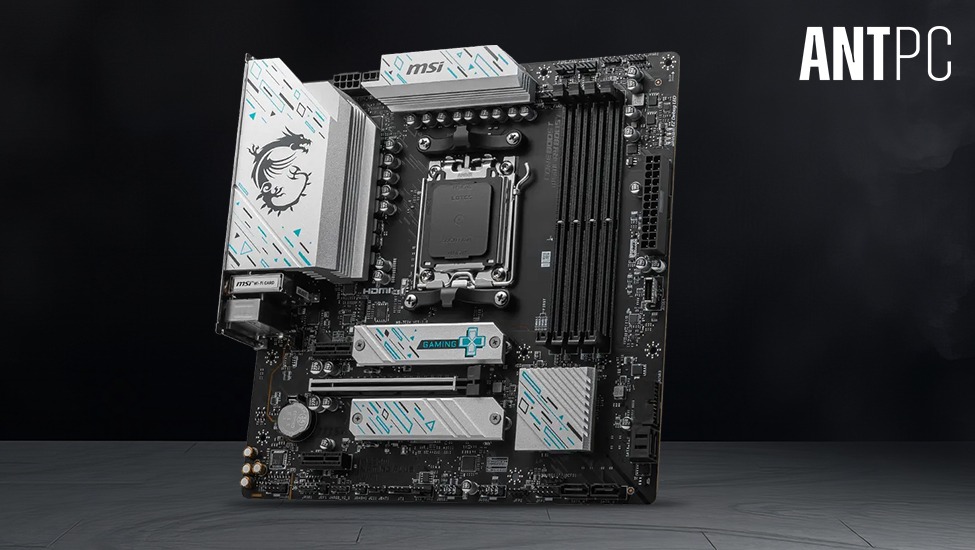
The motherboard determines your upgrade path. A future-proof motherboard in 2026 should include:
PCIe Gen4 or Gen5 support
Multiple NVMe M.2 slots
DDR5 memory compatibility
Strong VRM cooling for stable power delivery
WiFi 6E or WiFi 7 support
Even if you don’t use all these features immediately, having them available ensures your system can adapt to new hardware releases without a complete rebuild.
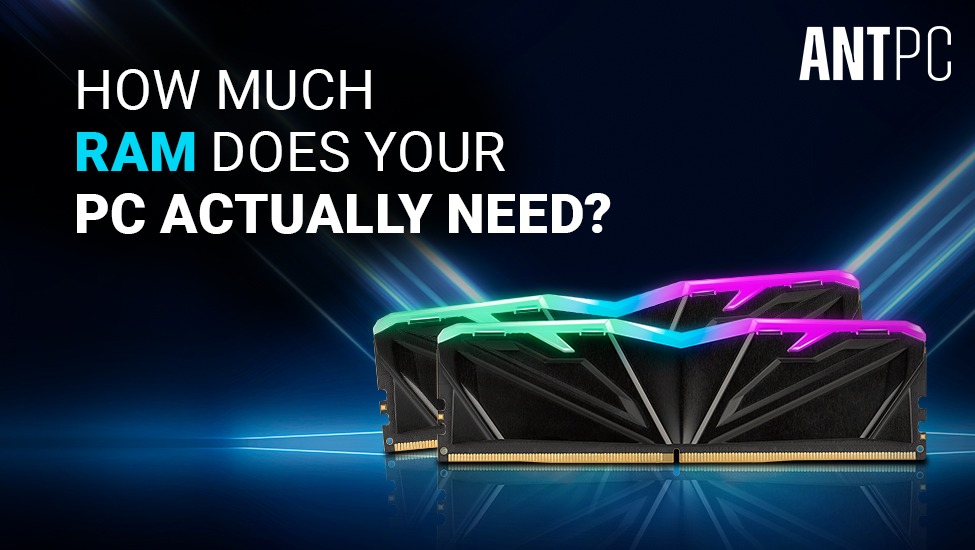
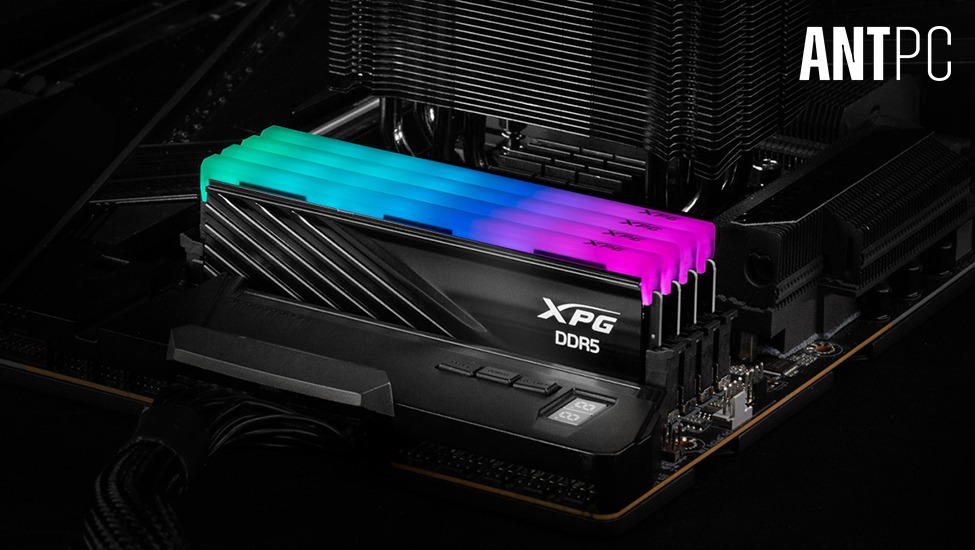
In 2026, 32GB DDR5 RAM is becoming the standard for gaming builds aiming for longevity.
While 16GB can still run many titles, modern AAA games, background applications, streaming software, and browser usage can easily push memory limits.
For professionals:
32GB is recommended
64GB may be considered for content creators and heavy multitasking
Faster memory speeds improve performance stability, especially in CPU-intensive games.
Fast storage impacts load times and system responsiveness.
For a future-proof build:
Primary Drive: 1TB or 2TB NVMe SSD (Gen4 or Gen5)
Secondary Drive: Additional SSD for game libraries
Optional HDD for archival storage
Game sizes are increasing rapidly. Some titles now exceed 150GB–200GB. Planning storage expansion early prevents frequent drive upgrades.
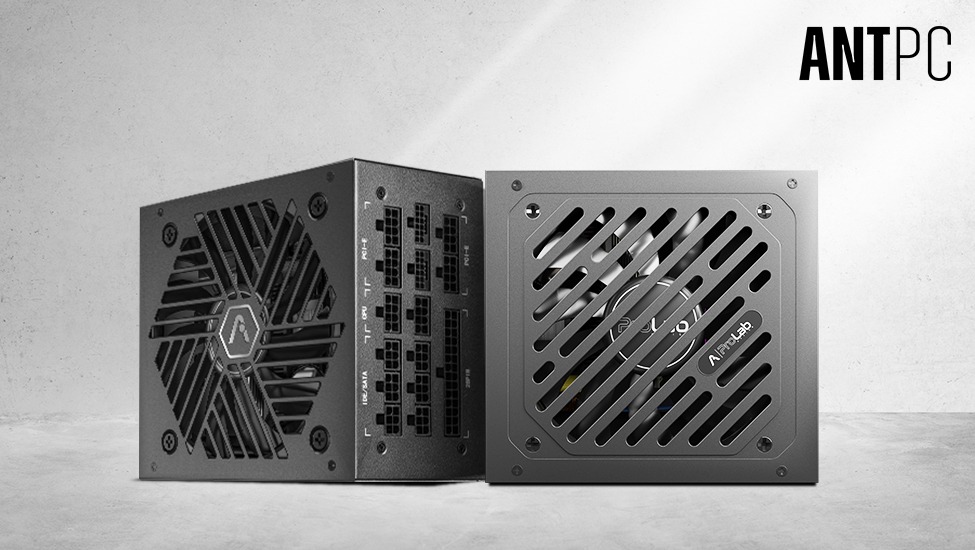
The PSU is often overlooked, but it determines system stability and upgrade potential.
Recommendations:
750W–850W for mid-to-high-end builds
80+ Gold or higher efficiency rating
Fully modular design for cable management
Modern GPUs can have high transient power spikes. Choosing a quality PSU protects your investment and ensures smoother future upgrades.
As hardware becomes more powerful, heat management becomes more important.
Options include:
High-quality air coolers for balanced builds
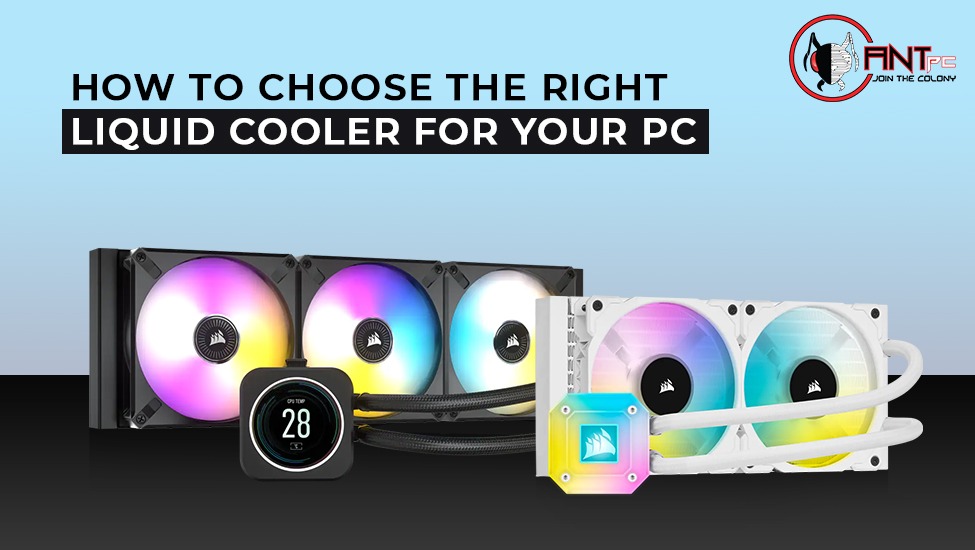
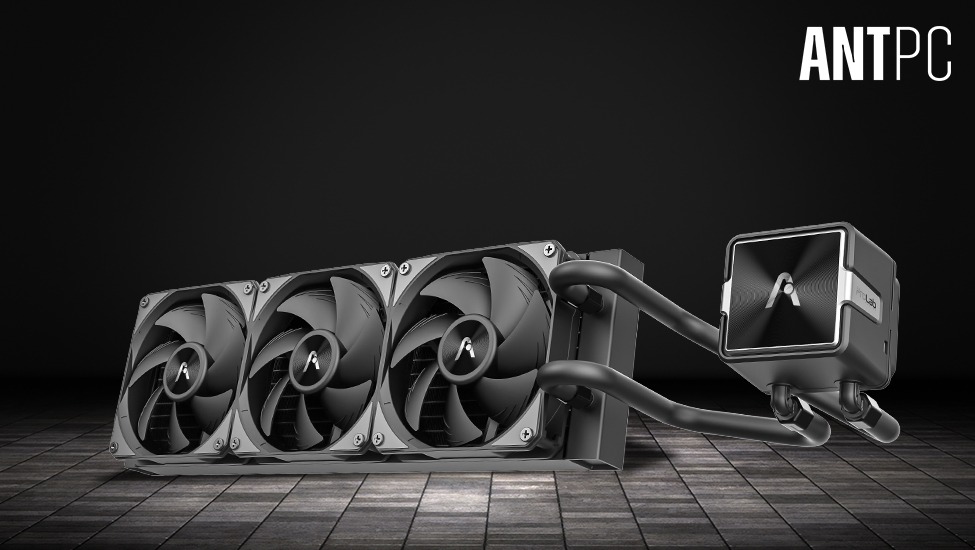
240mm or 360mm AIO liquid coolers for high-performance CPUs
Cases with mesh fronts and optimized airflow
Future-proofing means maintaining consistent performance under load. Thermal throttling reduces performance and shortens component lifespan.
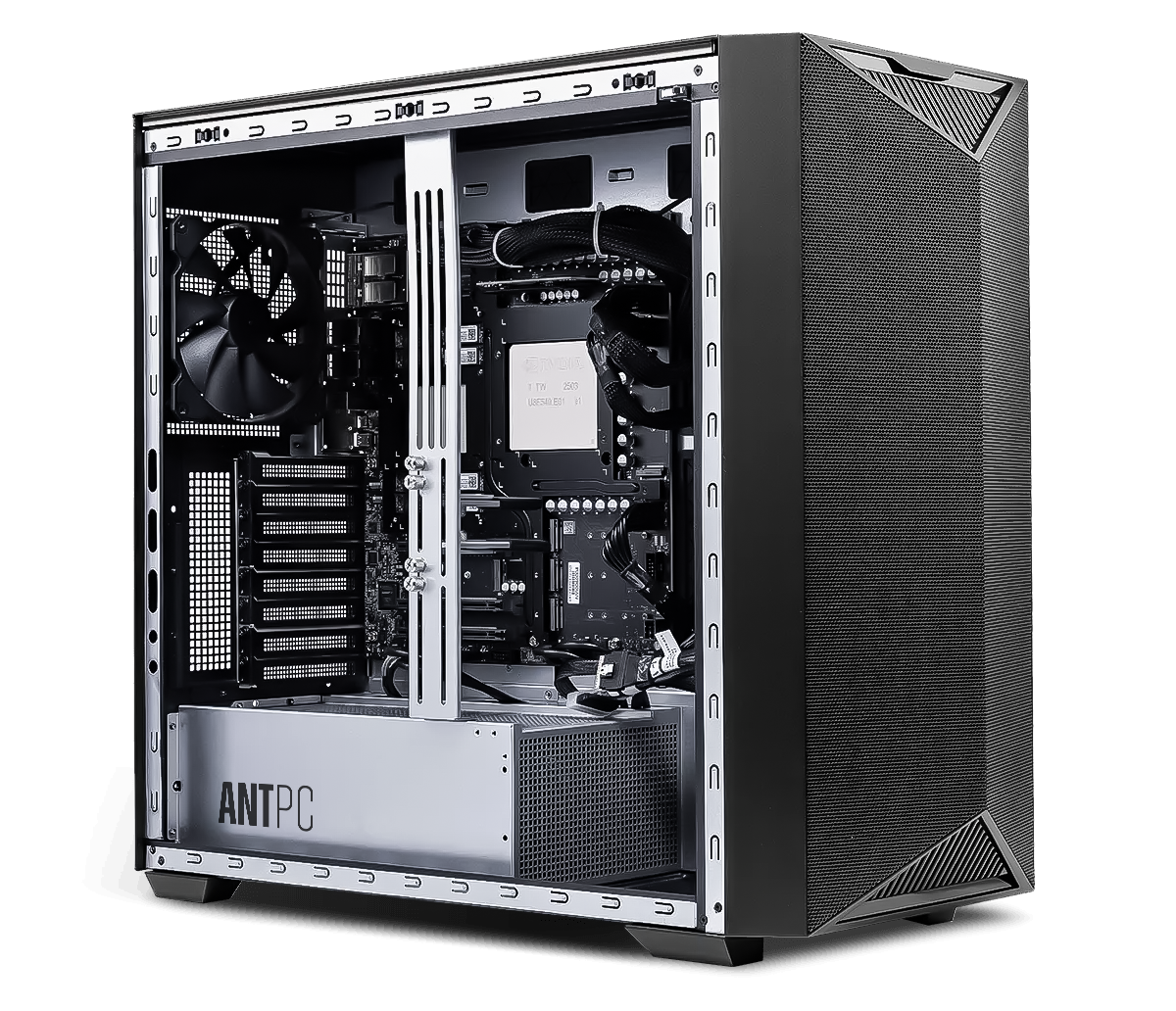
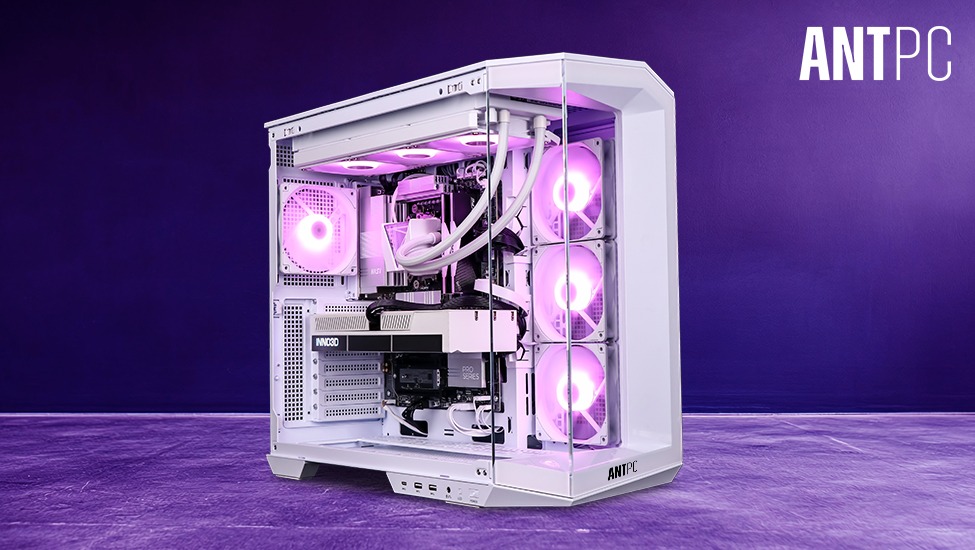
Your cabinet should support:
Large GPUs
Multiple fans or radiators
Cable management space
Additional storage drives
Many gamers underestimate case importance. A well-designed chassis improves airflow, aesthetics, and ease of future upgrades.
Your PC build should align with your gaming goals:
Competitive gamers: 240Hz or higher refresh rate
Immersive gamers: 1440p or 4K displays
Content creators: Color-accurate IPS panels
A powerful PC paired with a basic monitor limits the experience. Balance your budget accordingly.
A future-proof PC is designed with upgrade paths:
Leave extra RAM slots free
Ensure PSU headroom for next-gen GPUs
Choose a motherboard that supports upcoming CPU generations
Use spacious cases for hardware expansion
Instead of replacing the entire system, you’ll only upgrade specific components when needed.
Overspending on RGB and aesthetics while compromising core components
Buying the cheapest PSU available
Ignoring airflow and cooling
Building only for today’s games
Choosing outdated platforms to save money
Long-term stability and performance always outperform short-term savings.
Beginner Gamers Should:
Focus on balanced mid-range builds
Avoid extreme overclocking
Prioritize GPU performance
Choose reliable, tested components
Professional or Advanced Gamers Should:
Optimize for high refresh rate performance
Consider custom cooling
Invest in high-tier GPUs
Plan multi-year upgrade cycles
Building a future-proof gaming PC in 2026 is about strategy, not just specifications. Technology will continue evolving, but a well-balanced system built on a modern platform, with sufficient power headroom and thermal efficiency, will stay relevant for years.
Whether you’re a casual gamer entering the PC world or a competitive player upgrading your rig, the key lies in thoughtful component selection and long-term planning.
A custom-built system gives you control, flexibility, and the ability to scale performance over time — making it one of the smartest investments for serious gamers today.
Things to Know Before You Build a PC Online
Ultimate Guide to AI Workstations
Computer Workstations by ANT PC
Ultimate Guide to Computer Workstations

Find the perfect setup to accelerate innovation in AI and computing.

Our agents and experts are always looking forward to assist you. If you wish to communicate something or facing any issue, please call on our helpline number.
.png)
Build. Save. Customize.
 OTP secured
 No spam, ever