ANT PC | 28-05-2026 16:47:14

Building a PC online has become easier than ever in 2026. Whether you are a gamer, content creator, trader, student, or professional, a custom PC gives you the flexibility to choose the exact hardware you need instead of settling for a generic prebuilt system.
But while online PC builders have made the process more convenient, many users still make costly mistakes when selecting components. From choosing incompatible parts to overspending on unnecessary hardware, a poorly planned custom PC build can quickly become frustrating.
Before you build a PC online, there are a few important things you should understand. A little planning can help you get better performance, longer lifespan, and much better value for money.
The first step before starting any custom PC build is understanding your actual use case.
Different users need different hardware configurations. A gaming PC build is very different from an AI workstation, video editing setup, or trading PC. Many people make the mistake of copying popular builds online without considering their own workload.
For example:
Gamers usually need a stronger GPU
Video editors may need more RAM and storage
Traders often prefer multi-monitor support
AI workloads demand high-end GPUs and cooling
Professionals may prioritize CPU performance and stability
When you build your PC online, always focus on performance for your own tasks rather than simply chasing expensive components.
One of the biggest advantages of using a custom PC builder is budget flexibility. You can prioritize the components that matter most to you instead of paying extra for features you may never use.
However, many first-time buyers spend too much on a single component and compromise the rest of the build.
For example:
Pairing an RTX 5090 with a weak processor
Buying premium RGB components while using low-quality cooling
Spending heavily on aesthetics but ignoring power supply quality
A balanced custom PC build always performs better than an unbalanced expensive build.
In 2026, component prices continue to fluctuate frequently, especially GPUs and DDR5 memory kits. That is why it helps to use a reliable custom PC builder platform that checks compatibility and helps optimize your configuration.
Your processor is the brain of the system. Before you build a PC online, decide whether your tasks are CPU-heavy or GPU-heavy.
For example:
Competitive gaming benefits from strong single-core performance
Rendering and simulation workloads prefer more cores
Streaming and multitasking require balanced CPU performance
Professional workloads often benefit from workstation-grade processors
Both AMD Ryzen and Intel Core Ultra processors offer excellent options in 2026. The right choice depends more on your workload and budget than brand loyalty.
A common mistake is overbuying the CPU while underinvesting in the GPU or cooling system.
The graphics card is now one of the most important parts of a custom PC, especially for gaming, AI workloads, rendering, and creative applications.
When selecting a GPU, think about:
Resolution (1080p, 1440p, 4K)
Refresh rate
VRAM requirements
Software optimization
Future upgrades
Many people buy high-end GPUs without considering power consumption, cabinet airflow, or PSU requirements. A proper custom PC build should always balance thermal performance and power delivery.
If you are building a gaming or workstation setup in 2026, it is also smart to think long term. Buying a slightly better GPU today may increase the lifespan of your PC by several years.
One of the main reasons people prefer to build a PC online instead of manually purchasing parts is compatibility checking.
Not every CPU works with every motherboard.
Not every cabinet supports large GPUs.
Not every cooler fits inside compact cases.
Compatibility issues are one of the biggest frustrations for first-time builders.
A good custom PC builder helps prevent problems like:
Unsupported RAM speeds
BIOS incompatibility
Insufficient PSU wattage
Cabinet clearance issues
Cooling limitations
Always double-check compatibility before finalizing your custom PC build.
Modern processors and GPUs are more powerful than ever, but they also generate significantly more heat.
Cooling is no longer optional for performance-focused systems.
If you plan to build a PC online for gaming, editing, AI, or workstation workloads, proper airflow and thermal management should be a priority.
Some important things to consider:
Air cooling vs liquid cooling
Cabinet airflow design
Fan placement
Ambient room temperature
Dust management
Thermal throttling can reduce performance even on high-end systems. A well-cooled mid-range PC often performs more consistently than an overheated flagship build.
Storage speed directly impacts system responsiveness.
In 2026, NVMe Gen4 and Gen5 SSDs have become standard for high-performance systems. While traditional hard drives still work for bulk storage, your operating system and applications should ideally run on fast SSD storage.
Before finalizing your custom PC build, ask yourself:
How many games or projects will you store?
Do you edit large video files?
Will you use the system professionally?
Do you need backup storage?
Many users underestimate storage needs and run out of space quickly.
A balanced setup often includes:
High-speed NVMe SSD for OS and applications
Secondary SSD or HDD for bulk storage
The power supply is one of the most underrated components in a PC build.
Many users spend heavily on CPU and GPU while choosing a low-quality PSU to save money. This can affect stability, efficiency, and long-term reliability.
A good power supply:
Protects your hardware
Improves stability
Supports future upgrades
Handles power spikes efficiently
Before you build your PC online, ensure the PSU has:
Sufficient wattage headroom
Good efficiency rating
Reliable brand reputation
Proper protection features
For modern high-performance GPUs, quality power delivery matters more than ever.
A custom PC is an investment. One of the biggest benefits of a custom PC build is upgrade flexibility.
When selecting components, think beyond current requirements.
Ask yourself:
Will you upgrade GPU later?
Do you need extra RAM slots?
Is the motherboard future-ready?
Does the cabinet support larger components?
Planning ahead can save a lot of money later.
Many users who build PCs online focus only on current performance without considering future expandability.
A visually attractive setup is great, but performance and reliability should always come first.
In recent years, many users have prioritized aesthetics over practical hardware decisions. While RGB lighting and premium cabinets improve appearance, they should never compromise airflow, cooling, or component quality.
The best custom PCs balance:
Performance
Cooling
Upgradeability
Aesthetics
Reliability
A clean and balanced build usually ages better than an overdesigned setup focused only on appearance.
Online custom PC builders have simplified the entire process.
Instead of manually researching every compatibility detail, users can now configure systems based on their workload, budget, and performance goals.
A professional custom PC builder platform also helps with:
Expert configuration support
Component compatibility
Cable management
Warranty support
Stress testing
Better upgrade planning
This is one of the biggest reasons why more gamers, creators, professionals, and businesses now prefer to build PCs online rather than buying generic prebuilt systems.
Building a custom PC online in 2026 is no longer just for enthusiasts. With the right planning, anyone can create a powerful and reliable system tailored to their exact needs.
The key is understanding your workload, balancing your budget, and choosing compatible components instead of blindly following trends.
Whether you are building a gaming setup, workstation, editing machine, or professional desktop, taking time to plan your custom PC build properly can improve both performance and long-term value.
If you are planning to build your PC online, always choose a trusted custom PC builder that focuses on component quality, compatibility, and real-world performance rather than just flashy specifications.
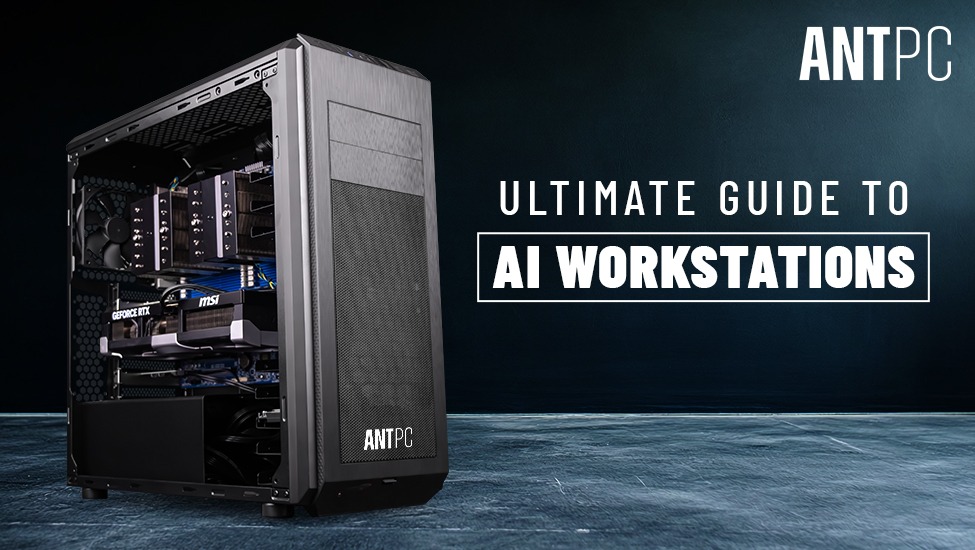
Ultimate Guide to AI Workstations
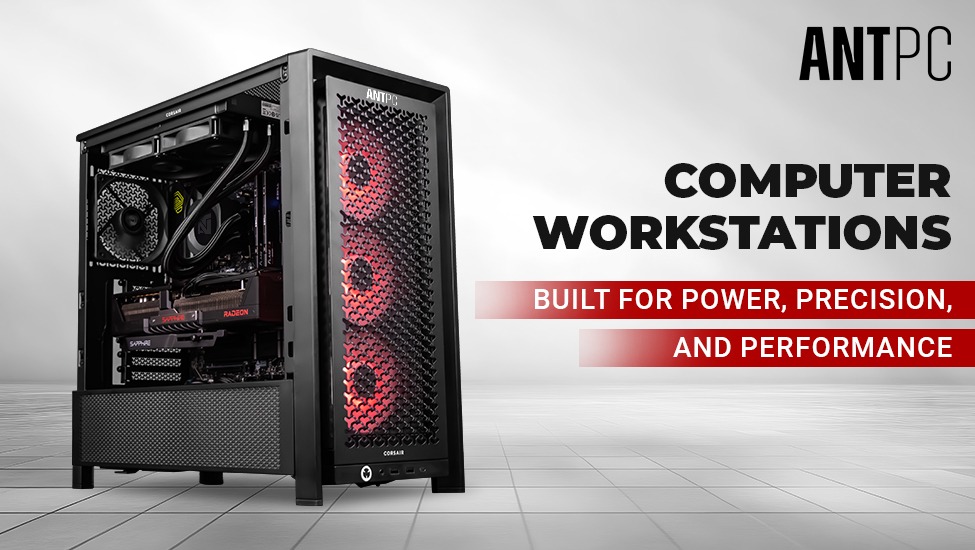
Computer Workstations by ANT PC
How to Build a Perfect Gaming PC in 2026
Ultimate Guide to Computer Workstations

Find the perfect setup to accelerate innovation in AI and computing.

Our agents and experts are always looking forward to assist you. If you wish to communicate something or facing any issue, please call on our helpline number.
.png)
Build. Save. Customize.
 OTP secured
 No spam, ever