ANT PC | 06-03-2026 15:05:19

Artificial Intelligence has moved beyond experimentation. From large language models and computer vision to predictive analytics and generative AI, modern workloads demand immense computational power. Standard servers are no longer sufficient. Organizations today require High Performance Servers specifically designed to handle GPU-accelerated computing.
This guide explains how to build a scalable, reliable, and efficient Server with GPU capabilities — tailored for AI training, inference, simulation, and data-intensive research environments.
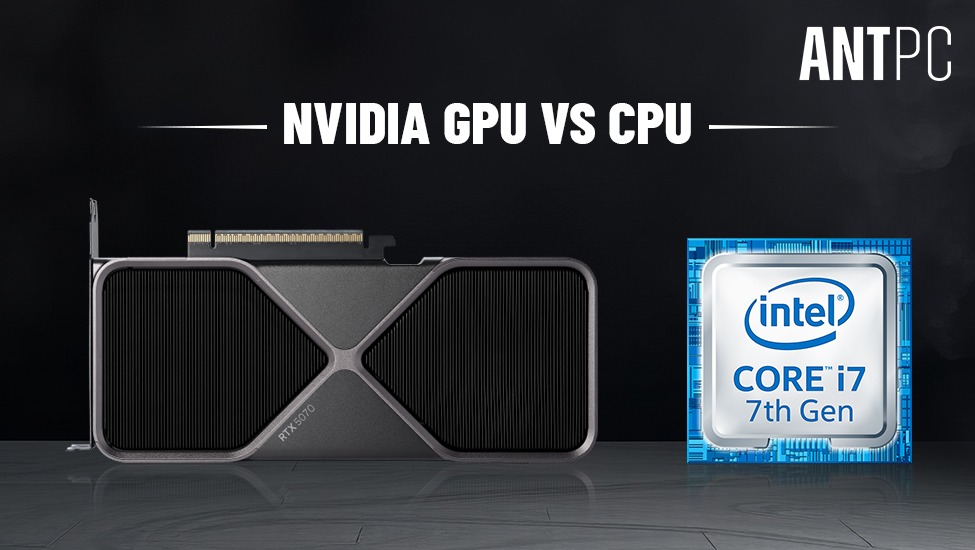
Traditional CPUs are optimized for sequential processing. AI training, however, involves parallel mathematical operations across massive datasets. GPUs excel at parallel processing, making them ideal for:
Deep learning model training
Large language model fine-tuning
Image and video processing
Scientific simulations
Data analytics at scale
A properly designed Nvidia GPU Server or multi-GPU system can significantly reduce training time from weeks to days — or even hours.
Not all servers are built for AI. HPC Servers (High Performance Computing Servers) are engineered to:
Support multiple GPUs
Provide high memory bandwidth
Deliver consistent power under heavy load
Maintain thermal stability
Scale across nodes if required
The key difference between a standard enterprise server and an AI-focused GPU server lies in architecture, expandability, and sustained workload capability.
The GPU is the core of any AI server.
When building a Server with GPU, consider:
GPU memory capacity (VRAM) — critical for large models
CUDA core count and Tensor core performance
Interconnect bandwidth (NVLink or PCIe Gen5)
Multi-GPU scalability
For enterprise AI workloads, Nvidia GPUs remain the dominant choice due to their CUDA ecosystem, optimized drivers, and AI software stack compatibility.
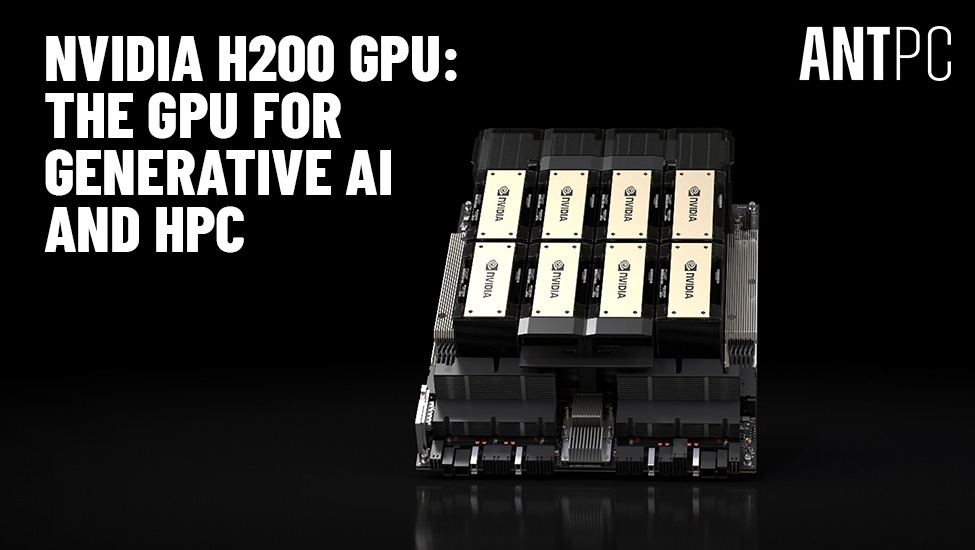
A professional Nvidia GPU Server may include multiple high-memory GPUs configured for distributed training. However, the right choice depends on workload size and scaling plans.
While GPUs handle parallel computations, CPUs coordinate data flow, preprocessing, and system-level operations.
For AI-focused High Performance Servers:
Choose server-grade multi-core processors
Ensure sufficient PCIe lanes to support multiple GPUs
Prefer dual-socket configurations for large-scale setups
An imbalance between CPU and GPU can create bottlenecks. The CPU must efficiently feed data to GPUs without delay.
AI workloads are memory-hungry. Large datasets, preprocessing pipelines, and virtual environments demand substantial system RAM.
Recommended configuration:
Minimum 128GB for mid-scale AI workloads
256GB or more for enterprise training environments
ECC (Error-Correcting Code) memory for stability
ECC memory is particularly important in HPC Servers, as it prevents data corruption during long computational sessions.
Storage performance affects dataset loading and checkpoint saving during training.
A robust configuration includes:
NVMe Gen4 or Gen5 SSDs for active datasets
RAID configurations for redundancy
Separate drives for OS, datasets, and model outputs
For large research environments, tiered storage systems ensure both speed and capacity.
AI workloads generate sustained and intensive power demand. A multi-GPU server configuration can draw substantial wattage under continuous computational load.
Important considerations:
High-efficiency redundant PSUs (80+ Platinum or Titanium)
Proper power distribution planning
Data center–grade electrical infrastructure
Redundant power supplies reduce downtime risk in mission-critical environments.
One of the biggest challenges in High Performance Servers is heat management.
Multi-GPU configurations produce substantial thermal output. Without proper cooling:
Performance throttling occurs
Hardware lifespan reduces
System instability increases
Cooling strategies may include:
High-static pressure server fans
Optimized airflow chassis design
Liquid cooling for dense GPU environments
Data center–grade HVAC integration
Efficient airflow design ensures consistent performance during prolonged AI training sessions.
Many enterprise AI setups use distributed computing across multiple nodes.
Key networking features include:
10GbE, 25GbE, or higher-speed networking
Low-latency switches
Scalable rack integration
When deploying multiple HPC Servers, high-bandwidth networking prevents inter-node communication bottlenecks.
Organizations must decide whether to deploy on-premise infrastructure or rely on cloud services.
Full hardware control
Long-term cost efficiency for heavy workloads
Enhanced data privacy
Custom configuration flexibility
Instant scalability
No upfront hardware investment
Ideal for short-term experimentation
For organizations running continuous AI workloads, investing in a dedicated Nvidia GPU Server often proves cost-effective over time.
AI servers frequently run training cycles that last days or weeks. System interruptions can result in lost progress.
To improve reliability:
Use enterprise-grade components
Implement automated backup systems
Monitor temperature and workload metrics
Schedule preventive maintenance
Professional HPC Servers are built with redundancy and monitoring tools to ensure operational continuity.
AI projects grow rapidly. A well-designed High Performance Server should allow:
Additional GPU expansion
Increased RAM capacity
Storage scaling
Rack integration
Planning scalability at the design stage reduces future infrastructure replacement costs.
AI datasets may contain sensitive enterprise or research data.
Best practices include:
Role-based access control
Network isolation
Encrypted storage
Firewall and intrusion detection systems
Security architecture is as important as performance in enterprise AI environments.
Underestimating power and cooling requirements
Choosing consumer-grade hardware for enterprise workloads
Ignoring memory bandwidth limitations
Failing to plan for scalability
Overlooking redundancy features
Building a Server with GPU is not simply assembling components — it requires architectural planning aligned with workload goals.
Building a High-Performance (2x GPU Server, 4x GPU Server, 8x GPU Server, 10x GPU Server) for AI workloads involves more than selecting powerful GPUs. It requires a carefully balanced architecture that integrates compute power, memory bandwidth, storage speed, cooling efficiency, and network scalability.
Modern AI development depends on robust HPC Servers capable of sustaining heavy computational loads without instability. A properly configured Nvidia GPU Server enables faster experimentation, shorter training cycles, and reliable inference deployment.
Whether the objective is deep learning research, enterprise AI deployment, or advanced analytics, investing in well-designed High Performance Servers ensures long-term operational efficiency and performance stability.
Read More Blogs:-
Ultimate Guide to Computer Workstations
AI Servers: The Backbone of Modern Artificial Intelligence Infrastructure
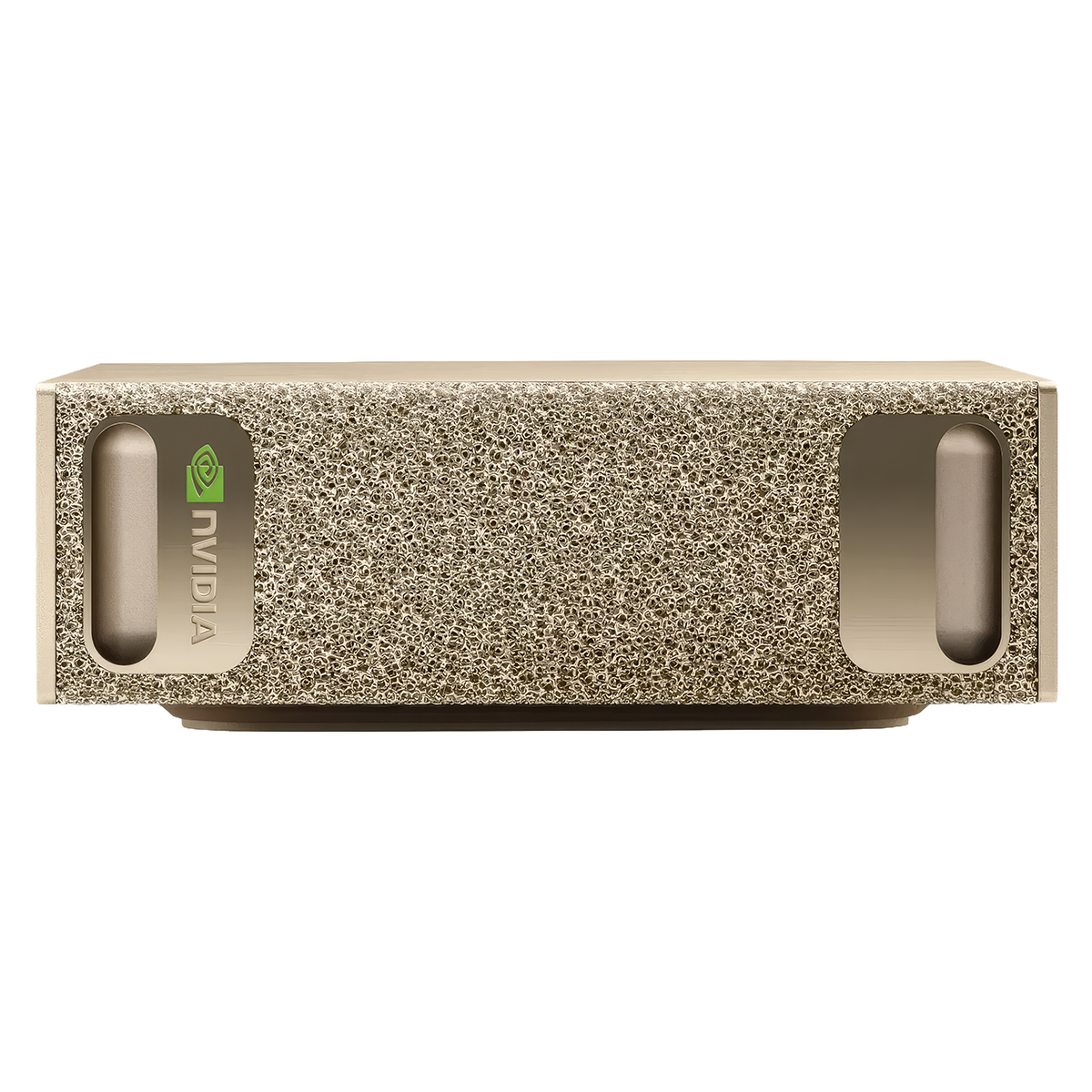
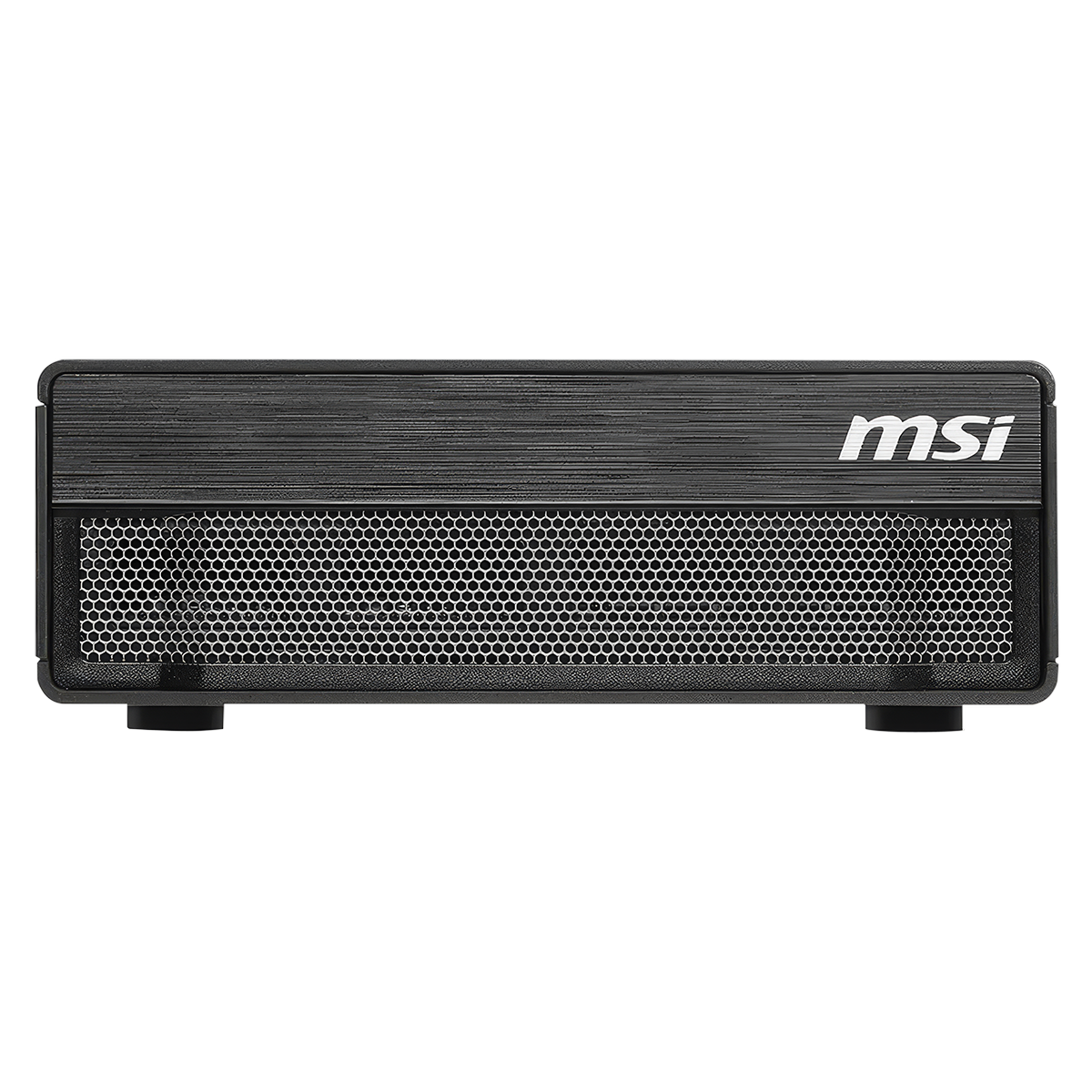
India’s First NVIDIA DGX Spark with MSI EdgeXpert

Find the perfect setup to accelerate innovation in AI and computing.

Our agents and experts are always looking forward to assist you. If you wish to communicate something or facing any issue, please call on our helpline number.
.png)
Build. Save. Customize.
 OTP secured
 No spam, ever