ANT PC | 25-03-2026 15:48:03

Creative professionals rely on powerful software like DaVinci Resolve, After Effects, Adobe Premiere Pro, and Photoshop. But without the right hardware, even basic tasks can become slow and frustrating.
In this guide, we break down the DaVinci Resolve system requirements, After Effects system requirements, Adobe Premiere Pro system requirements, and Photoshop system requirements to help you choose the ideal workstation.
DaVinci Resolve is extremely GPU-intensive, especially for color grading and 4K/8K editing.
CPU: Intel Core i5 / Ryzen 5
RAM: 16GB
GPU: 4GB VRAM
Storage: SSD
CPU: Intel i7 / Ryzen 7 or higher
RAM: 32GB–64GB
GPU: NVIDIA RTX series (8GB+ VRAM)
Storage: NVMe SSD
A powerful GPU dramatically improves playback and rendering performance.
After Effects relies heavily on RAM and CPU for motion graphics and compositing.
CPU: Quad-core processor
RAM: 16GB
GPU: Basic GPU
Storage: SSD
CPU: High clock speed (i7/i9 or Ryzen 7/9)
RAM: 32GB–64GB
GPU: RTX 3060 or higher
Storage: NVMe SSD
More RAM = smoother previews and faster rendering.
Premiere Pro benefits from both CPU and GPU acceleration.
CPU: Intel i5 / Ryzen 5
RAM: 16GB
GPU: 4GB VRAM
Storage: SSD
CPU: Intel i7/i9 or Ryzen 7/9
RAM: 32GB+
GPU: NVIDIA RTX series
Storage: NVMe SSD
GPU acceleration speeds up timeline playback and export times.
Photoshop is lighter compared to video tools but still benefits from modern hardware.
CPU: Intel i3 / Ryzen 3
RAM: 8GB
GPU: Basic GPU
Storage: SSD
CPU: Intel i5/i7 or higher
RAM: 16GB–32GB
GPU: Entry-level RTX or equivalent
Storage: NVMe SSD
? Faster storage and more RAM improve multitasking and large file handling.
Running these applications on low-end hardware can result in:
Slow rendering and exports
Laggy previews and crashes
Reduced productivity
A well-optimized workstation ensures smooth editing, faster turnaround, and better workflow efficiency.
ANT PC specializes in custom-built workstations designed for creative professionals. Whether you're working with DaVinci Resolve system requirements, After Effects system requirements, or Adobe Premiere Pro system requirements, ANT PC delivers systems optimized for performance and reliability.
From powerful GPUs to high-speed NVMe storage, every build is tailored to handle demanding creative workloads with ease.
Understanding system requirements is essential—but choosing the right hardware makes the real difference. Investing in a powerful workstation ensures you get the best performance from your creative tools.
Read More Blogs:-
Best Workstation Specs for Lumion, Unity & Revit
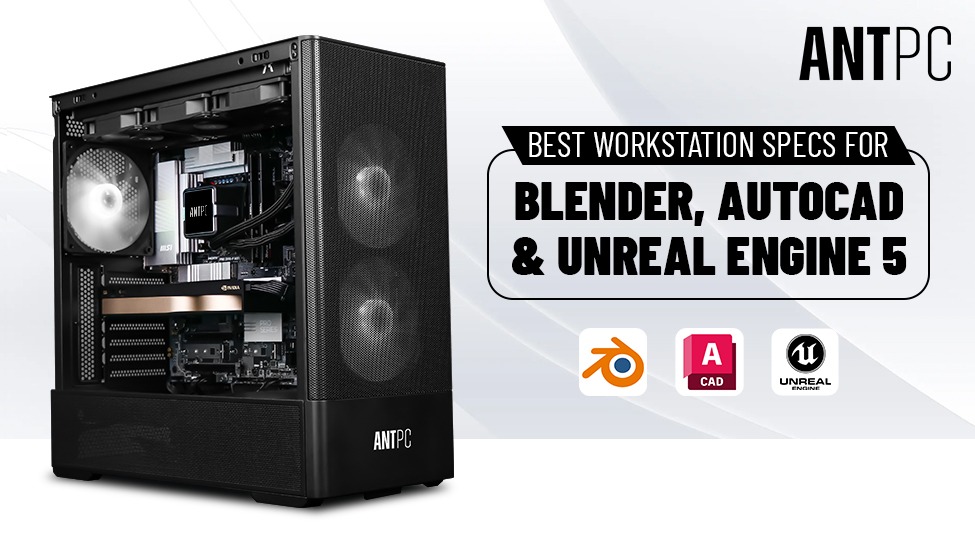
Best Workstation Specs for Blender, AutoCAD & Unreal Engine 5
Ultimate Guide to Computer Workstations

Find the perfect setup to accelerate innovation in AI and computing.

Our agents and experts are always looking forward to assist you. If you wish to communicate something or facing any issue, please call on our helpline number.
.png)